MakaTools
Download

Works offline · no account · no upload

45 PDF tools. Zero uploads.

MakaTools merges, splits, edits, signs, compresses and reads your scans, right on your Mac. No account, no cloud, no waiting for a website: your files never leave your computer.
Version 1.2.0 Apple Silicon (M1 or newer) Nothing else to install

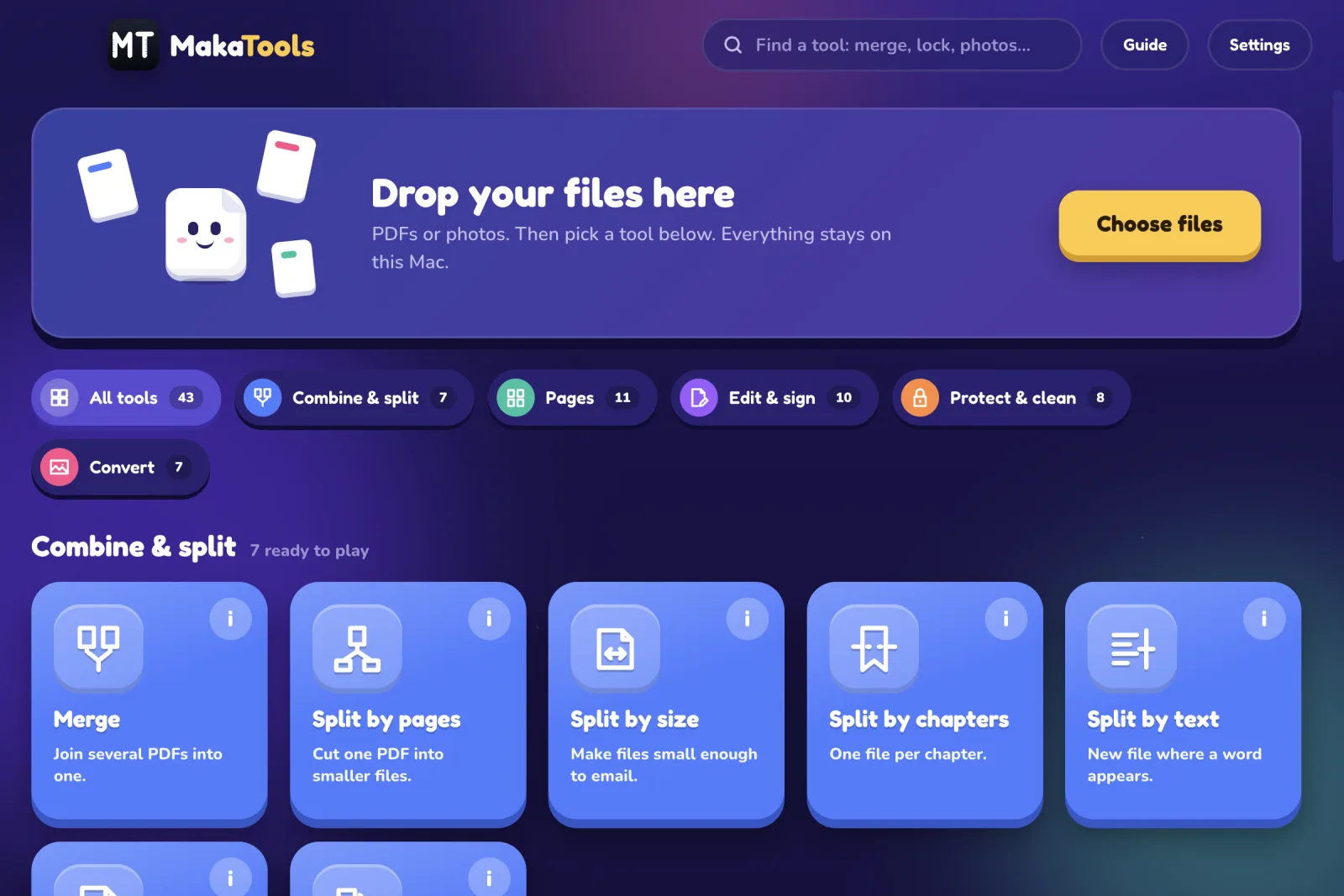
The MakaTools home screen: a big drop box for files and the tools grouped into Combine & split, Pages, Edit & sign, Protect & clean and Convert.
  • 45PDF tools in one app
  • 0files uploaded, ever
  • 0accounts, ads or trackers
  • 1download, PDF engine and OCR included

How it works

Drop. Pick. Save.

No menus to learn. The home screen shows every tool: drop your files and the tools that can use them light up.

  1. Drop your files

    PDFs or photos on the big box, or press Choose files. Right-click a PDF in Finder and choose Open With → MakaTools works too.

  2. Pick a tool

    Every tool has an (i) button with a short animation and three steps. Or type in the search box: merge, lock, photo…

  3. Press the big button

    Check the options, press the yellow button and choose where to save. Your original file is never changed.

Tools

Every PDF chore, one app.

Five families, 45 tools, all working today. Tool names below are the ones you see in the app.

Combine & split

7
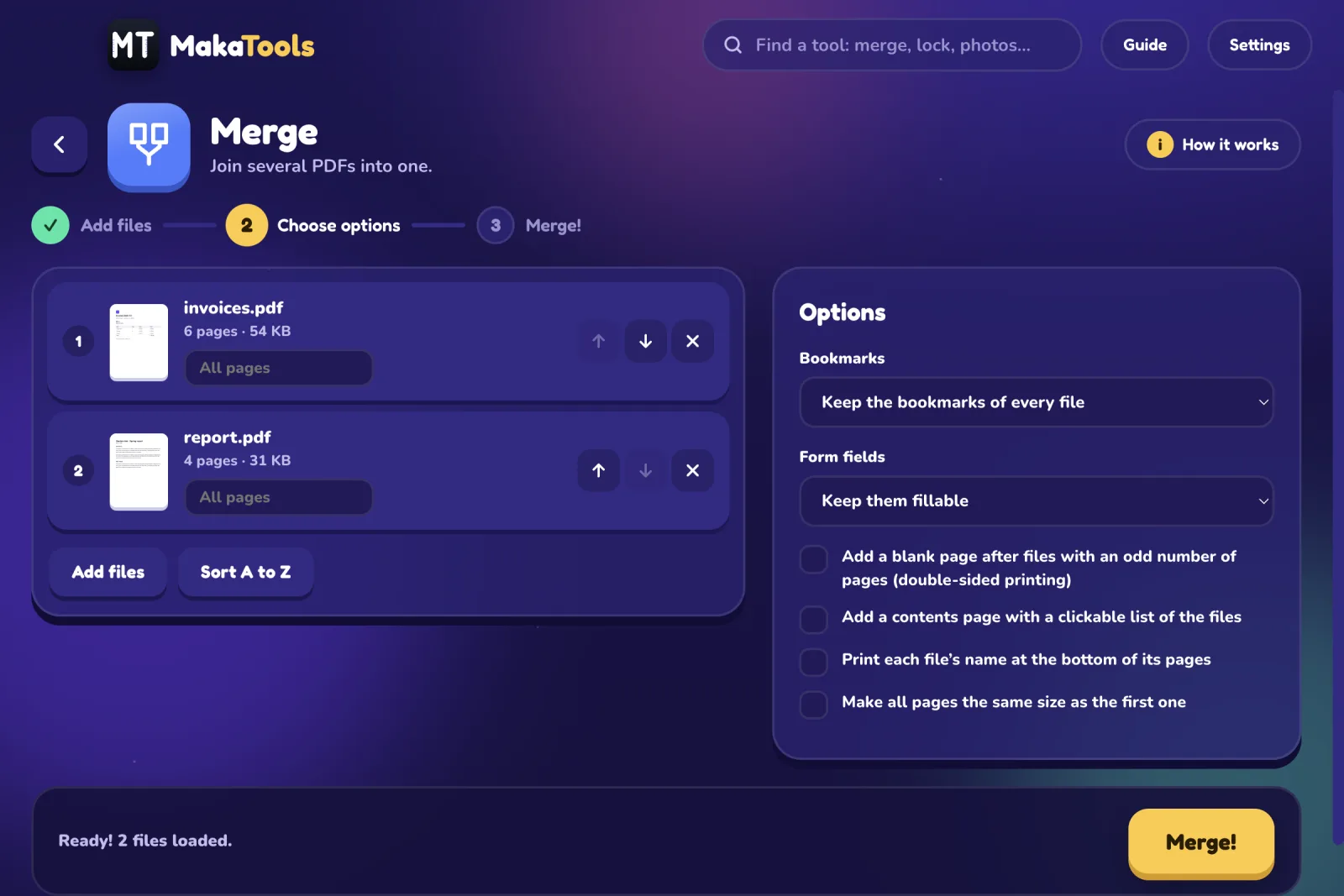
  • Merge
  • Split by pages
  • Split by size
  • Split by chapters
  • Split by text
  • Rename by text
  • Combine scanned sides

Pages

11
  • View PDF
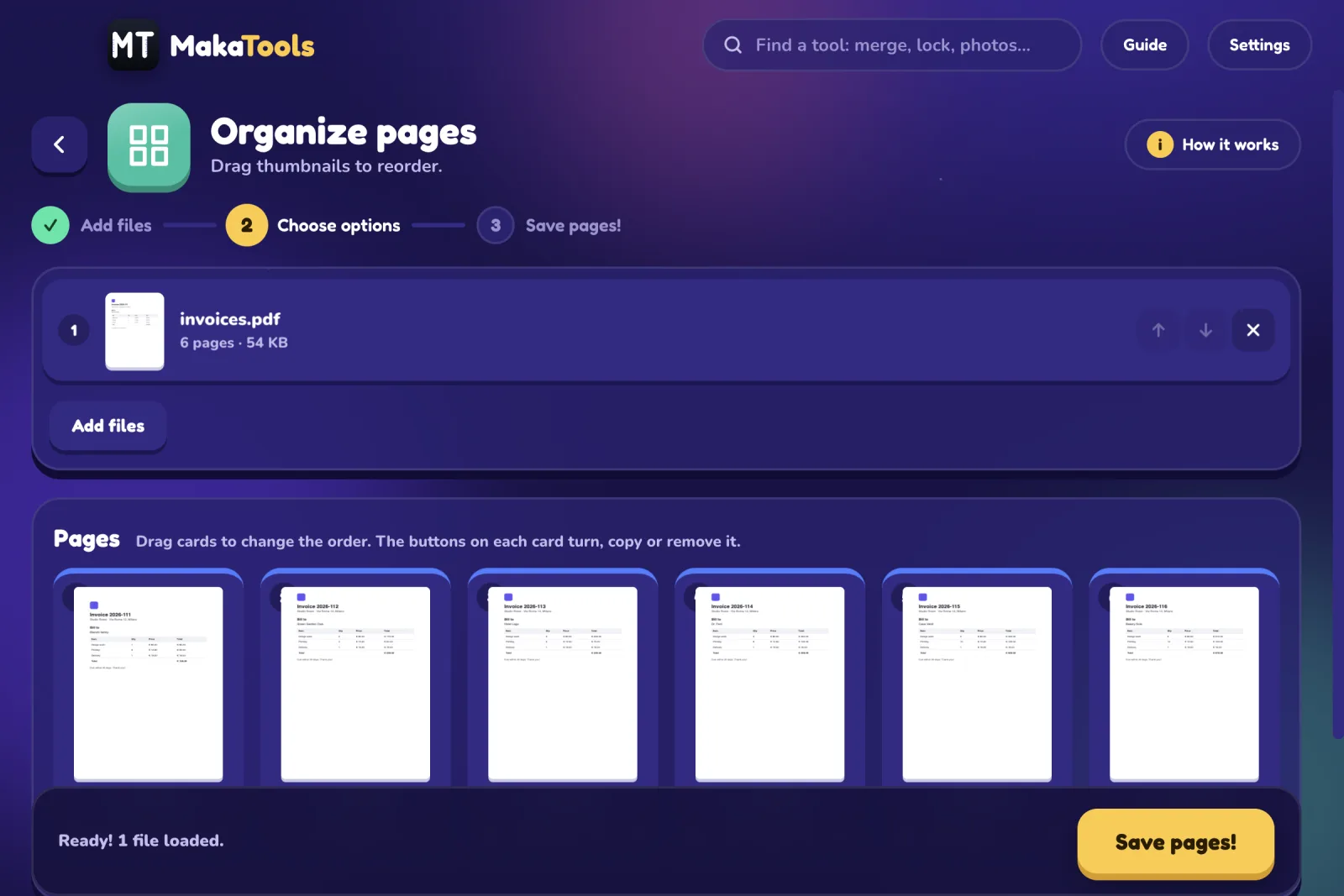
  • Organize pages
  • Extract pages
  • Delete pages
  • Remove blank pages
  • Rotate
  • Crop
  • Resize pages
  • Print on paper
  • Pages per sheet
  • Split down the middle

Edit & sign

10
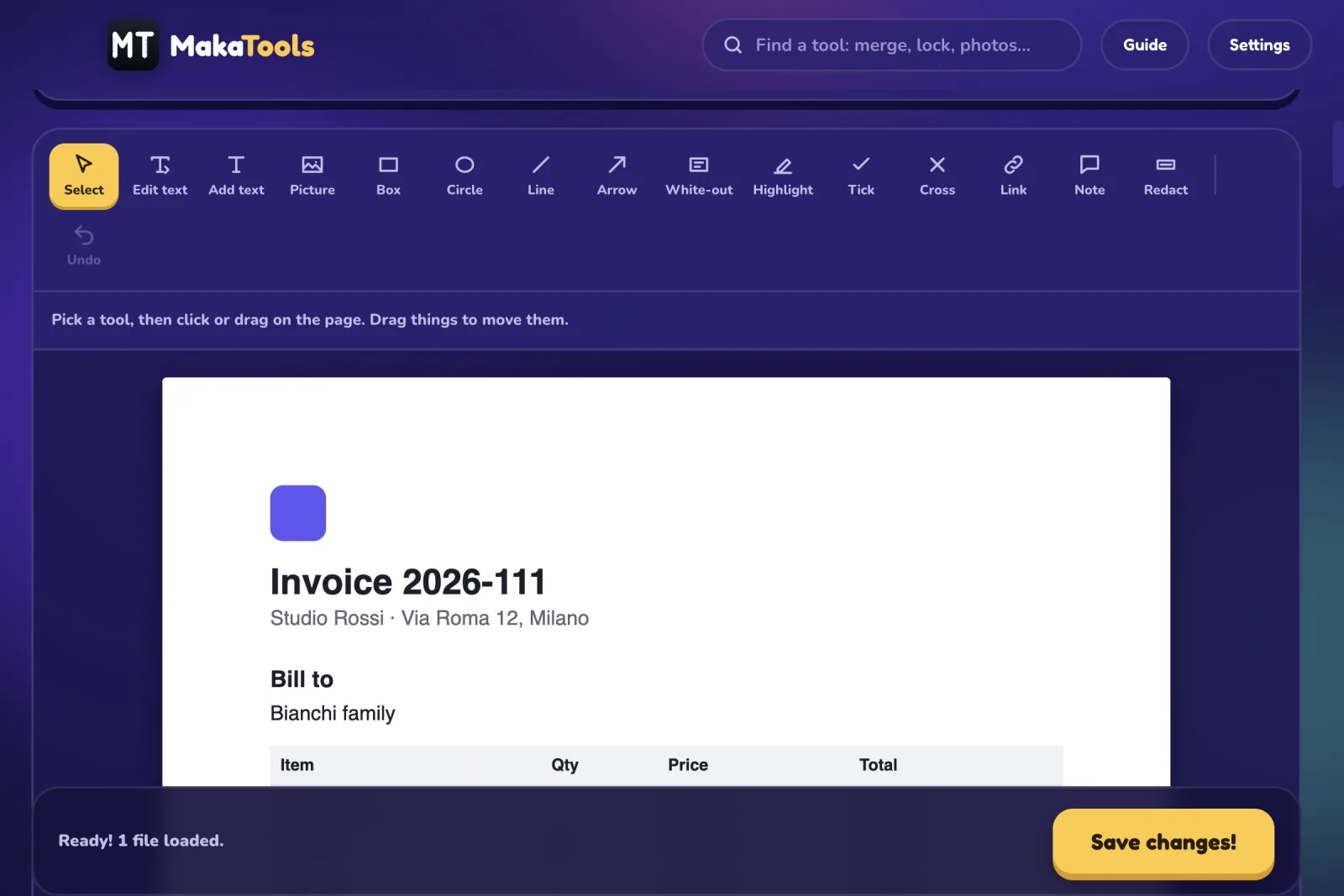
  • Edit PDF
  • Fill & sign
  • Create form
  • Clickable links
  • Watermark
  • Page numbers
  • Header & footer
  • Bates numbering
  • Edit bookmarks
  • Document details

Protect & clean

8
  • Add password
  • Remove password
  • Compress
  • Black & white
  • Flatten
  • Remove comments
  • Straighten scans
  • Repair

Convert

7
  • Make searchable (OCR)
  • PDF to Word
  • PDF to Excel
  • PDF to images
  • Photos to PDF
  • PDF to text
  • Save pictures

New in 1.2.0

New

Just added: compare versions, clean what a PDF reveals, search all your PDFs, process a folder automatically.

  • Compare PDFs
  • Privacy check & clean
  • Document library
  • Watch folder

A look inside

Friendly on the outside. Careful on the inside.

Privacy

Your files never leave your Mac. Not even once.

  • No upload, ever. Every tool runs on your Mac, with its own PDF engine, Java runtime and OCR built into the app.
  • No account, no tracking. No sign-up, no analytics, no telemetry, no automatic updates.
  • Originals are never changed. Results go to a new file, moved into place only when the whole task succeeded.
  • Every result is checked. Each new PDF is reopened and every page parsed before it is kept.
  • Redaction is real. Redact deletes the letters and pixels underneath, it does not just cover them.
  • One optional connection. Only when you press Download for an extra OCR language. Your files are never part of it.
Read the privacy policy

Download

Get MakaTools for your Mac.

One .dmg with everything inside. Drag it to Applications, open it once with a right-click, and you are done.

Download for Mac

Version 1.2.0 · macOS on Apple Silicon (M1 or newer)